Although iOS 27 dazzles with its polished look and forward-thinking innovations, many users quickly discover that certain features—while impressive on paper—can become minor irritations in everyday use. Fortunately, nearly all of these distractions stem from settings that can easily be customized, adjusted, or completely disabled. With a few thoughtful tweaks, you can transform your iPhone from a device that occasionally frustrates into one that elegantly adapts to your personal rhythm.
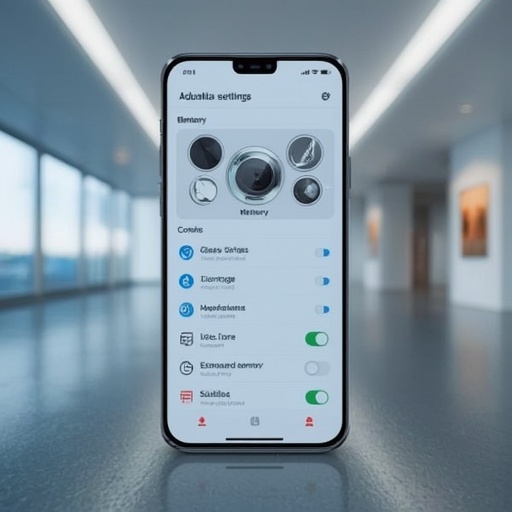
One of the most discussed visual additions in this update is **Liquid Glass**, Apple’s dynamic texture effect that gives the display a sleek, almost fluid shimmer. While some users appreciate its futuristic aesthetic, others find it overstimulating or too glossy for extended viewing. You can reduce its intensity by navigating to *Settings > Display & Brightness*, then turning down the motion and transparency options. This simple adjustment subtly mutes the reflective animation, restoring a calmer, less distracting interface that preserves clarity without eliminating style.
Another subtle but surprisingly pervasive change arrives through **Siri’s expanded memory capabilities**. The voice assistant now retains contextual information longer to improve predictions and conversational fluency. Yet for those who prize privacy or prefer Siri to act like a clean-slate assistant, this constant recollection may feel invasive. Within *Settings > Siri & Search*, you can manage memory by deleting previous interactions and preventing stored data from cloud synchronization. Doing so reins in Siri’s reach—allowing it to assist efficiently without holding onto every verbal footprint.
Finally, the new default for **automatic subtitles** in videos exemplifies Apple’s accessibility emphasis but can feel intrusive when captions appear for every clip. If you prefer a cleaner viewing experience, head to *Accessibility > Subtitles & Captioning* and disable automatic display. You will still be able to toggle them manually whenever needed, ensuring that accessibility tools remain available on your terms.
Together, these refinements deliver immense comfort without compromising iOS 27’s technological polish. By softening Liquid Glass, curating Siri’s memory, and controlling on-screen captions, you reclaim mastery over your phone’s appearance, behavior, and privacy. Each modification enhances usability while preserving Apple’s design intent: empowering you to shape a device that operates smoothly, respects your preferences, and genuinely feels like an extension of your lifestyle. iOS 27 might arrive brimming with clever automation, but true sophistication lies in tailoring those features so your iPhone serves you—not the other way around.
Sourse: https://www.cnet.com/tech/services-and-software/how-to-change-the-most-annoying-ios-27-settings-on-your-iphone/