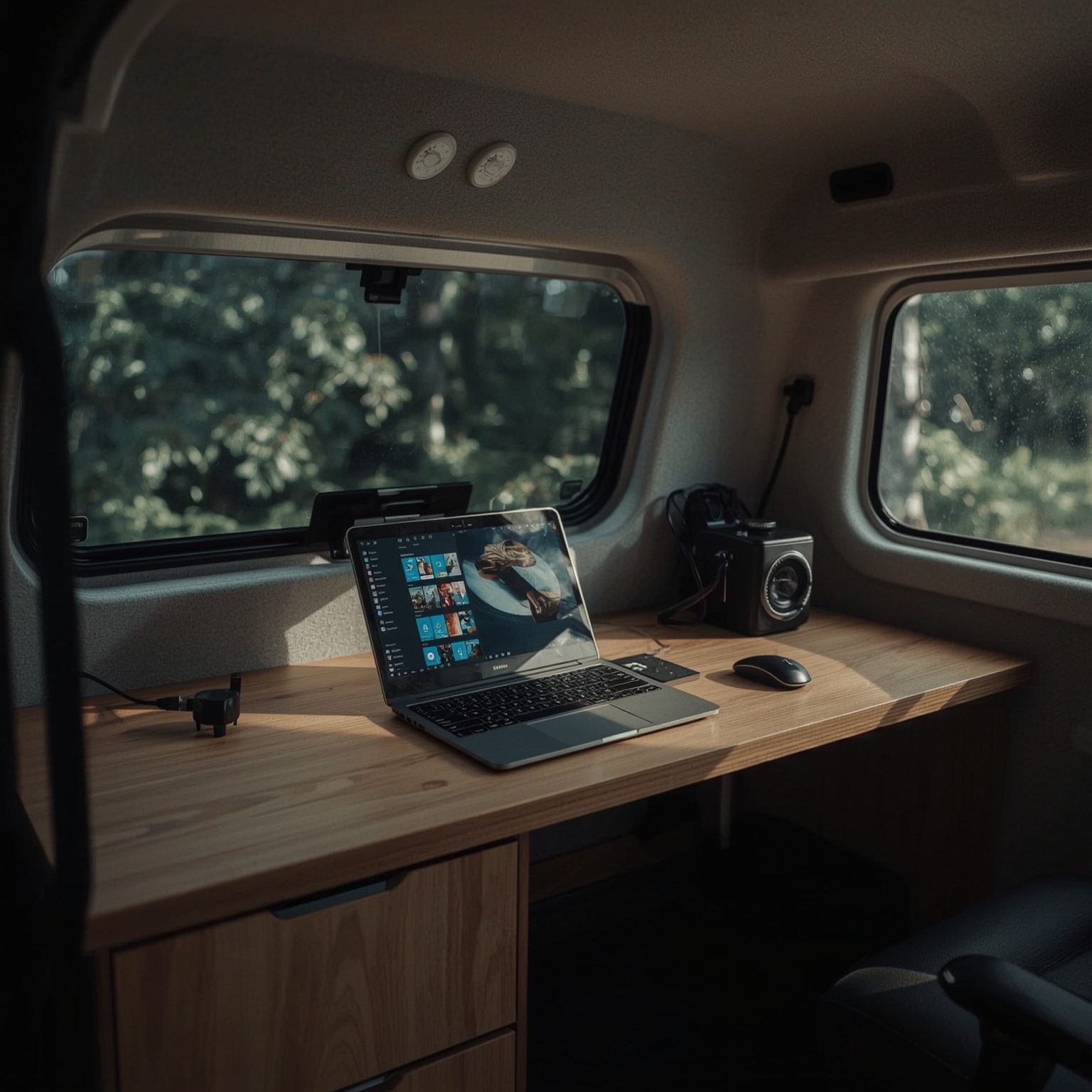
Most modern gadgets tend to improve upon existing ideas gradually, introducing refinements that edge forward in convenience or performance without fundamentally altering our habits. The Espresso Pro portable monitor, specifically the 15.6‑inch model, breaks from this pattern entirely. During several weeks of testing, it has not merely supplemented my workflow but completely redefined how I operate while working remotely. My work often happens from inside a converted van — a cozy, mobile space that serves both as my office and traveling home. This arrangement, however, has always come with a crucial compromise: moving from a dual‑monitor office setup featuring two expansive 27‑inch displays to relying on a solitary 14‑inch laptop screen feels severely constraining. The Espresso Pro bridges that productivity gap with surprising grace, giving me nearly the same multitasking flexibility in a drastically smaller footprint. Its display is remarkably thin, substantially lighter than the laptop it augments, and connects effortlessly with a single USB‑C cable, requiring no complicated setup.
As I write these reflections from my van’s compact workspace, the Espresso’s elegant 4K touchscreen — boasting a native resolution of 3840 by 2160 pixels and capable of reproducing over one billion colors with full Adobe RGB coverage — hovers neatly above my MacBook Pro. The result is a mobile workstation that rivals my home office: on one screen I process high‑resolution photos, while on the other I draft articles, manage emails, and run productivity tools. At night, versatility takes center stage again; with a quick cable swap, I connect my iPhone 15 Pro or an Android phone and transform the monitor into a generously sized cinematic display ideal for streaming films from bed.
At a retail price of $699 (or €799 in Europe), the Espresso Pro does not position itself as an inexpensive accessory. Yet its cost feels justified once its practicality unfolds. Among all my remote‑work essentials — second only to my laptop and the Starlink Mini satellite internet connection that keeps me online from virtually anywhere — the Espresso Pro is the single device I reach for most frequently. It has become indispensable to maintaining the productivity rhythm I once thought possible only in a fixed office environment. However, for full context, I should admit that I do not personally own an iPad, which for other users may influence how they perceive the value proposition here.
Technically speaking, the 15.6‑inch Espresso Pro impresses with its minimalist dimensions: 360 millimeters wide, 225 millimeters high, and scarcely 9 millimeters thick, all while weighing only 800 grams. There is even a larger 17‑inch variant obtainable for $799 for those needing additional workspace. The monitor’s aluminum shell feels hollow yet sturdy — an engineering trade‑off that keeps it ultralight without compromising durability. Over several rugged weeks, it has endured being jostled relentlessly across gravel roads, tipped onto its screen, and even dropped onto a carpeted floor, yet it continues to function flawlessly.
Energy consumption remains moderate. At peak brightness of 550 nits, it draws roughly 13 watts; when dimmed to a more subdued 300 nits, that figure falls near 9 watts. This is modest compared with a conventional desktop display but still sufficient to drain my laptop battery at nearly twice the usual rate. When tethered via a single USB‑C cable to my MacBook Pro, battery endurance falls from the typical eight‑to‑ten‑hour day to just around five hours. Fortunately, Espresso integrates two USB‑C ports with support for pass‑through charging, which means that by connecting Apple’s wall charger to the second port, the monitor simultaneously powers itself and recharges the laptop — an elegant solution that alleviates an otherwise major drawback.
One of the more thoughtfully designed accessories is the Stand+ mount included within the package. Compact yet highly functional, it folds flat for travel but expands tall enough to raise the monitor comfortably above an open laptop’s lid. Its magnetic connection provides stability sufficient for most desk scenarios, and its footprint remains conveniently small. In practice, this stand alone contributes significantly to the premium pricing difference between Espresso products and cheaper portable displays. However, my situation within a moving van — shared with both my wife and an energetic dog — demanded an alternative mounting setup that would withstand accidental bumps or sudden motion. I found a workable solution by adapting a Kuxiu magnetic table mount originally designed for iPads and attaching Espresso’s optional VESA adapter to it using industrial adhesive. Although slightly inelegant, the hybrid mount proved remarkably effective, granting me flexible viewing angles both inside and just outside the van, while remaining secure even during travel.
On the software side, EspressoFlow, the company’s companion application for macOS and Windows, streamlines arranging windows across multiple screens. While not mandatory, its utilities — such as window snapping and quick configuration — make managing extended displays smoother and more intuitive.
Although marketed as a touchscreen, the Espresso Pro’s touch capabilities show limited usefulness within macOS. The operating system simply does not respond well to touch input, making the feature more frustrating than functional, particularly during precise tasks. Its optional Pen accessory, which I have not tested, might change that experience. Connected to my iPhone, however, the touchscreen becomes much more enjoyable, especially for entertainment. Watching Netflix, Plex, or YouTube videos on a broad, brilliantly detailed screen significantly enhances downtime, even if some caveats exist. For instance, my iPhone 15 Pro lacks the power to drive the display on its own, necessitating a second USB‑C cable for external power delivery. Furthermore, the display refuses to rotate when paired with phones, restricting portrait‑mode use for vertically oriented social apps such as TikTok or Instagram.
Sound, too, reveals minor shortcomings: while the integrated downward‑firing speakers suffice for basic use, I found myself wishing for greater volume and richness during shared viewing sessions. Some streaming applications, notably DAZN, fail to transmit live content when connected, likely due to licensing restrictions or software incompatibilities rather than the display itself. Navigating brightness and volume controls through on‑screen menus occasionally feels cumbersome, requiring several attempts for simple adjustments.
Nevertheless, the overall impression remains overwhelmingly positive. The Espresso Pro 15.6‑inch monitor has fundamentally improved how I manage creative projects on the move, allowing me to reclaim the dual‑display productivity that once felt confined to stationary offices. Its portability redefines where meaningful work can happen: coffee shops, campsites, or parking spots with scenic views now effortlessly double as professional workstations.
Still, a practical question lingers at the end of this admiration: why should someone invest in the Espresso Pro when a new 13‑inch iPad Air — priced just a hundred dollars higher, or even less when purchased refurbished — offers additional versatility? With Apple’s Sidecar feature for Mac or software such as Duet Display on Windows, an iPad can double as a secondary monitor while serving simultaneously as a tablet for creative or entertainment tasks. Yet, the simplicity of a device engineered to perform one function — and perform it superbly — also has its appeal. Just as many prefer a Kindle for reading despite owning smartphones and tablets, the Espresso succeeds as a distraction‑free, focused display. For those willing to trade brightness and resolution for price, Espresso even offers a 15.6‑inch 1080p version at $299.
After several weeks using the Espresso monitor in my compact rolling office, both my wife and I now view it as an essential shared resource. Each morning brings a playful contest over who gets to deploy it for the day’s work — an amusing ritual that underscores just how indispensable it has become. Ultimately, one of us ends up victorious, and that winner is accompanied by what has truly earned its title: the Espresso Pro 15, a small yet transformative tool that has reimagined what remote work can be.
Sourse: https://www.theverge.com/reviews/805112/the-espresso-pro-portable-monitor-is-a-revolution-for-remote-work