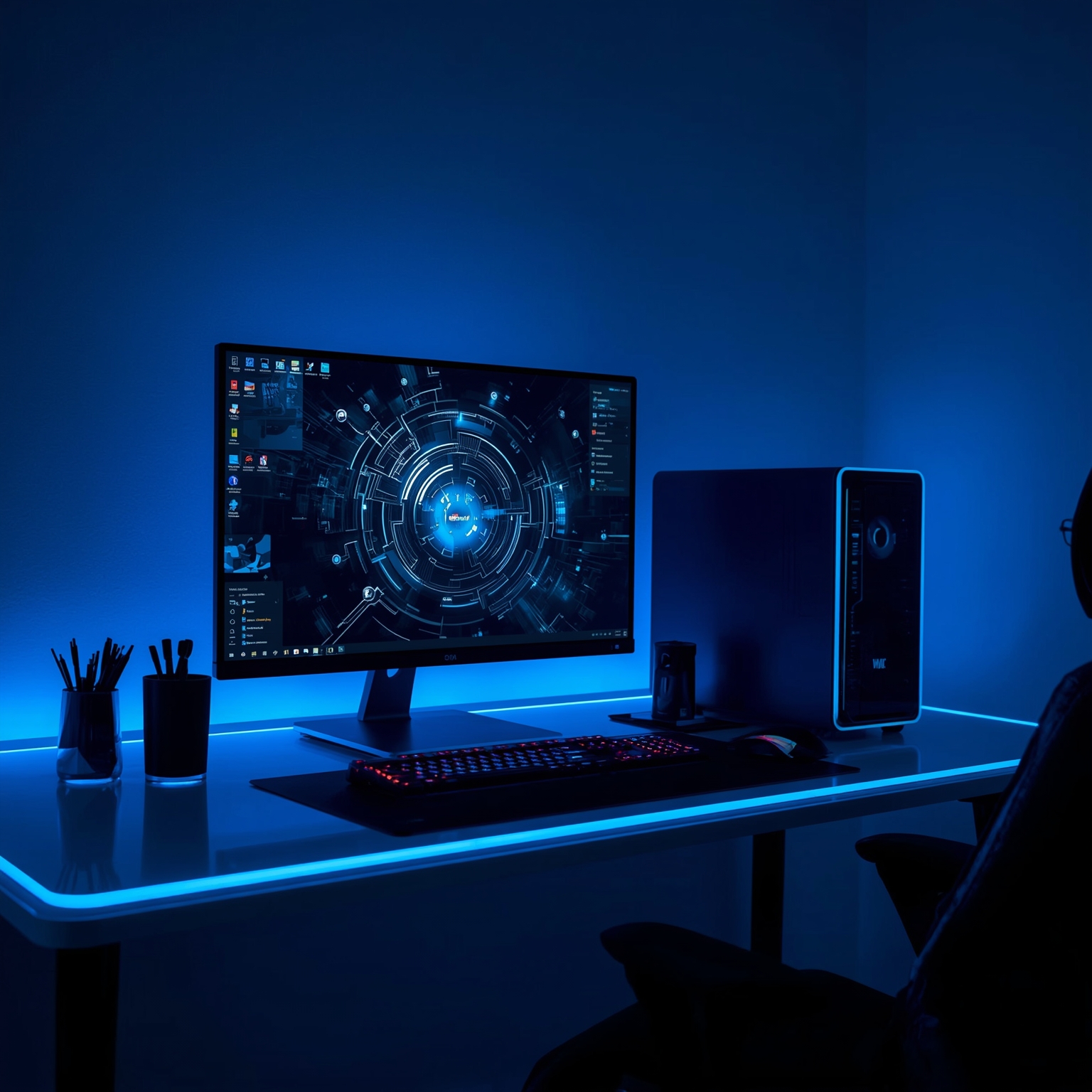
The Lenovo Legion T5, also known as the Legion Tower 5, represents one of Lenovo’s most balanced and capacious prebuilt gaming desktops, merging flawless performance for gamers with the processing strength desired by content creators and multimedia professionals. Currently priced at approximately $1,880, this desktop machine is immediately available for purchase and stands out for its ability to handle an impressive spectrum of demanding tasks – including high-frame-rate gaming, complex 3D image rendering, and intricate graphic design workflows. However, one minor drawback is tied to its somewhat compact and squat chassis design, which can make placement under typical desks slightly cumbersome for users seeking an ergonomic workspace layout.
### Effortless Gaming, Simplified Ownership
For individuals who may be intimidated by the nuances of building a gaming PC from scratch – from selecting compatible components to proper cooling setups – the Legion T5 offers the convenience of a pre-assembled, performance-optimized system. Prebuilt desktops like this one remove uncertainties from the DIY process while ensuring that users still receive top-tier hardware tuned for gaming excellence. Thanks to the increasingly competitive nature of high-end graphics cards, powerful CPUs, and thermal engineering, modern prebuilt gaming towers can rival – and sometimes exceed – the efficiency and balance of custom-built PCs.
### A Compact Design with Character
Unlike the majority of gaming towers boasting tall, vertical cases designed for optimal airflow and reduced desk footprint, the Lenovo Legion T5 diverges from traditional aesthetics. Measuring 8.31 × 19.31 × 16.3 inches, its structure is more horizontally inclined, making it appear stout and solid rather than elongated. Although the form factor still accommodates sufficient ventilation, its lower height may cause a few practical inconveniences. When positioned beneath a workstation, for example, users might find themselves brushing their knees or chair legs against the chassis – a slight spatial inefficiency offset only by its rounded corners that help prevent unpleasant impacts. When compared to taller builds like the Maingear MG-1 (16.88 × 19 × 8.12 inches), the Legion T5 noticeably protrudes more from under a desk surface.
### Visual Appeal and External Features
From a design perspective, the T5 exudes a futuristic minimalism, featuring a distinctive top vent patterned with raised texturing. While Lenovo confirmed that this detail serves purely decorative rather than cooling functions, the design decision enhances the system’s modern aesthetic appeal. Those who appreciate refined details will likely consider it an elegant device rather than a functional compromise.
Nevertheless, the exterior connectivity could be improved. Most of the input/output ports are situated at the back, offering essentials such as three DisplayPort connections, one HDMI 2.1 output capable of supporting crisp 4K visuals at 60Hz, and a trio of audio connectors. In front, however, options are limited to a 5Gbps USB-C port, a 5Gbps USB-A, and a standard audio jack. This means that while you can easily connect a pair of headphones and one or two accessories, users desiring rapid access to multiple USB peripherals might find themselves reaching around the case more often than preferred. For comparison, Lenovo’s higher-tier Legion Tower 7i provides more immediate convenience with three USB-A ports on the front panel.
### Customizable Illumination
One of the more delightful features of the Legion T5 is its ARGB lighting system, an addressable variant of RGB technology that allows granular, software-based color customization. Through the Lenovo Legion Space application, users can meticulously assign specific light patterns to internal components such as the rear cooling fan or graphics card. This capability enables creative owners to personalize their desktop setup with color schemes that range from dynamic rainbow pulses to minimalist monochrome glows, adding subtle personality without compromising professional appearance.
### Internal Configuration and Performance Capabilities
Beneath its understated exterior, the Legion T5 conceals an exceptional lineup of components. Powered by AMD’s Ryzen 7 7800X3D processor and complemented by an Nvidia GeForce RTX 5070 GPU, alongside 32GB of high-speed RAM, this combination ensures that even graphically strenuous titles perform flawlessly. During testing, the system consistently delivered smooth frame rates in fast-action shooters such as “Call of Duty” and stylistically rich games like “Hades 2,” demonstrating its competence in maintaining responsive gameplay even under heavy load. Visual fidelity was equally impressive, with games like “Monster Hunter Wilds” revealing lush, intricately detailed landscapes that appeared almost cinematic, highlighting rich particle effects and lifelike global lighting.
However, not every experience was without minor imperfections. For instance, while playing “Final Fantasy XV” at ultra-high resolutions, occasional visual anomalies appeared—characters momentarily glitching or movement stuttering. These issues most likely stemmed from driver inconsistencies rather than limits in the hardware’s actual capability, but such occurrences are worth noting for prospective users aiming for flawless stability.
### Creative Productivity Beyond Gaming
What elevates the Legion T5 even further is its versatility beyond the gaming sphere. In professional creative workflows—such as 3D modeling within Blender or high-resolution video editing via Adobe Premiere Pro—the desktop’s powerful CPU-GPU synergy dramatically shortens render times and ensures fluid multitasking. Switching seamlessly between preview windows, rendering sequences, and project files becomes remarkably efficient, allowing professionals to maintain creative momentum without interruption. Through practical experimentation—such as editing a 4K video file—the performance remained consistently responsive, with transitions, effects, and scrubbing through detailed footage handled effortlessly.
### Storage Considerations
If there is one area where the Legion T5 might feel slightly constrained, it would be in its default storage configuration. With a 1TB NVMe SSD included, initial performance is lightning-fast, but this may quickly fill up in the modern gaming landscape where AAA titles routinely exceed 100GB each. After installing several large games, storage space can dwindle alarmingly fast. Thus, users seeking a longer-term or more content-heavy setup may wish to supplement their system with additional or external drives to avoid constant storage management.
### Pricing and Buying Perspective
Lenovo positions the Legion Tower 5 as a competitively priced mid-to-high-tier gaming PC. Retailing at about $1,880 through vendors like Best Buy, it undercuts expectations for a device of such capability, as many competing systems with comparable parts exceed the $2,000 threshold. For those demanding greater storage, Lenovo’s official website offers an upgraded Tower 5i Gen 10 for $1,980, doubling the SSD capacity to 2TB while substituting the AMD processor with an Intel Core Ultra 7 265F CPU, maintaining the same graphical power. Meanwhile, users prioritizing portability might consider the 10th-generation Lenovo Legion Pro 7i laptop—featuring similar performance metrics wrapped in a sleek chassis with a luminous 16-inch 250Hz OLED display, making mobile gaming or production an appealing alternative.
### Final Impressions
In sum, the Lenovo Legion T5 stands as a masterfully balanced desktop that elegantly fuses professional-grade power with consumer-level accessibility. Whether its purpose is immersive gaming, dynamic 3D artistry, or cinematic video editing, this desktop provides a dependable, aesthetically pleasing foundation for productivity and entertainment alike. While its short, robust form factor demands thoughtful placement and its storage capacity may leave some users yearning for expansion, the Legion T5 ultimately delivers exceptional value for both gaming enthusiasts and creators seeking reliable, enduring computing performance.
Sourse: https://www.zdnet.com/article/why-this-lenovo-pc-is-my-top-choice-for-professionals-and-creators-even-though-its-for-gaming/