ChatGPT’s newly enhanced voice mode is rapidly becoming far more practical and refined, marking a significant step toward a more fluid and natural form of human–AI interaction. On Tuesday, OpenAI officially unveiled an extensive update to the user interface of its acclaimed conversational platform, announcing that users will now be able to access ChatGPT Voice directly from within their ongoing chat sessions. In other words, rather than having to interrupt the flow of conversation and switch to a discrete, voice-only mode, users can now seamlessly transition between speaking to the chatbot and viewing its responses within the same unified space.
This update transforms the way conversations unfold. As you talk with ChatGPT, its verbal responses will appear on the screen alongside any accompanying visual content—such as shared images, maps, or other media—making the exchange feel more dynamic and engaging. Previously, initiating a voice conversation meant being redirected to a completely separate interface. That older layout presented a simple animated blue circle, symbolizing the speaking mode, and offered a few basic controls: a mute button, an option to record live video, and an X icon that allowed you to exit back to the standard text-based chat view.
In the earlier version, a notable limitation existed—you could hear ChatGPT’s answers but were unable to view them simultaneously on your screen. This restriction occasionally proved inconvenient, especially if you happened to miss part of the spoken response and needed to reference the chatbot’s words in text form. Doing so required exiting the voice mode entirely and returning to the main conversation screen, disrupting the continuity of interaction.
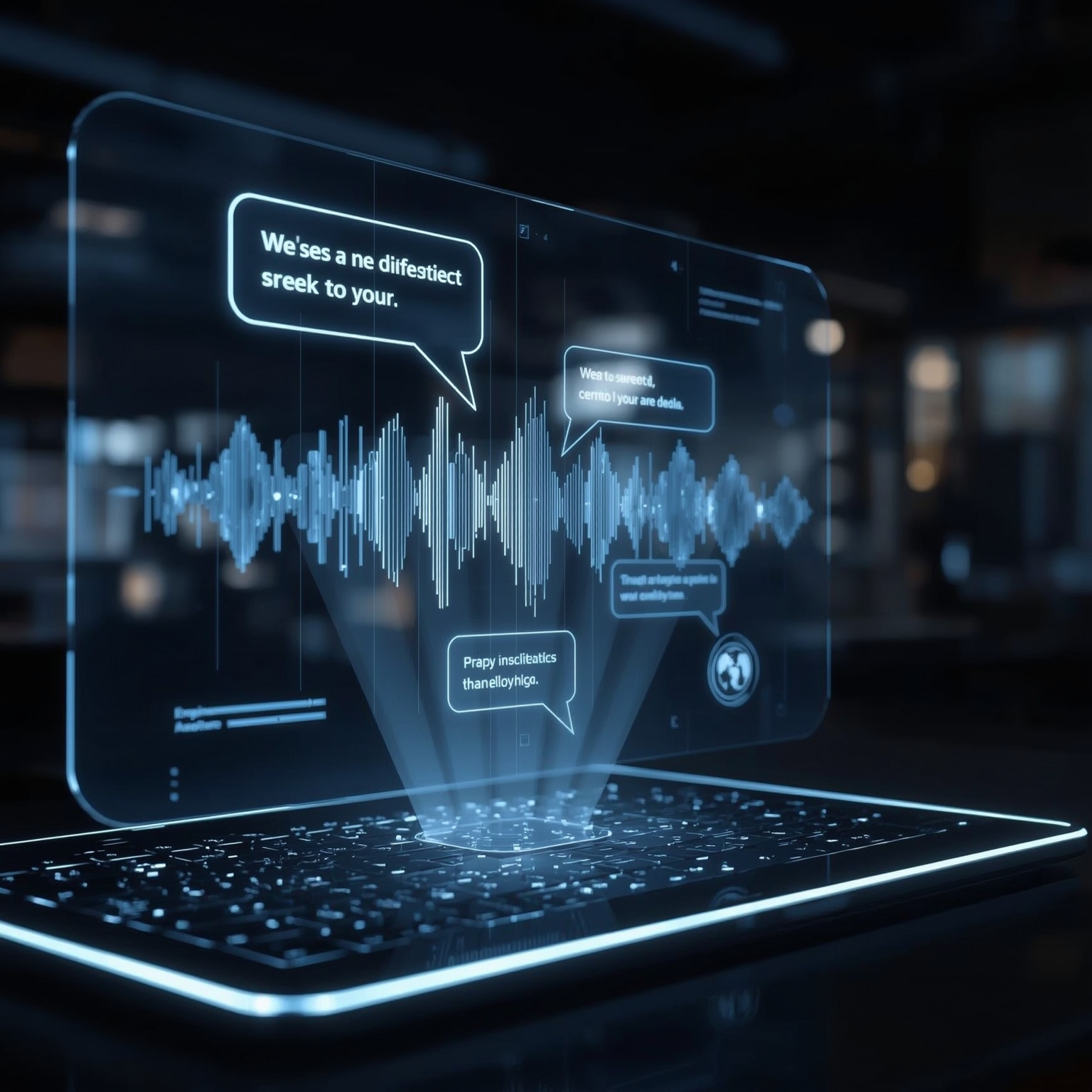
The redesigned experience eliminates this friction. Now, as OpenAI explains, you can converse naturally while watching the system’s textual output unfold in real time. The interface maintains access to your prior messages and any media shared during the conversation, allowing you to reference previous exchanges or view images and visual details without breaking the flow of dialogue. This simultaneous display of speech and text makes interactions not only smoother but more intuitive, blurring the line between written and spoken communication.
By enabling both modes to coexist harmoniously, the change enhances the authenticity of conversations with the chatbot. The fluid exchange between voice and text creates a rhythm that mimics real human conversation, where we often alternate between speaking, showing, and reading cues. While this new integration offers continuity and ease of use, users must still end the voice session manually by tapping the “end” button when they wish to return to purely text-based interaction.
Perhaps most notably, the updated voice mode now serves as the default setup for all users, gradually becoming available across both the web and the mobile applications. This rollout demonstrates OpenAI’s intent to make multimodal communication—combining speech, visuals, and text—a standard part of interacting with its AI.
For those who prefer the previous version with a distinct voice-only interface, OpenAI has preserved that option as well. Within the “Settings” menu, under the “Voice Mode” section, users can find a new toggle labeled “Separate mode.” Activating this setting restores the original experience, complete with the standalone animated blue circle view. In offering both configurations, OpenAI accommodates users’ differing preferences for how they wish to engage with ChatGPT’s evolving conversational capabilities.
Techcrunch event San Francisco | October 13-15, 2026
Sourse: https://techcrunch.com/2025/11/25/chatgpts-voice-mode-is-no-longer-a-separate-interface/