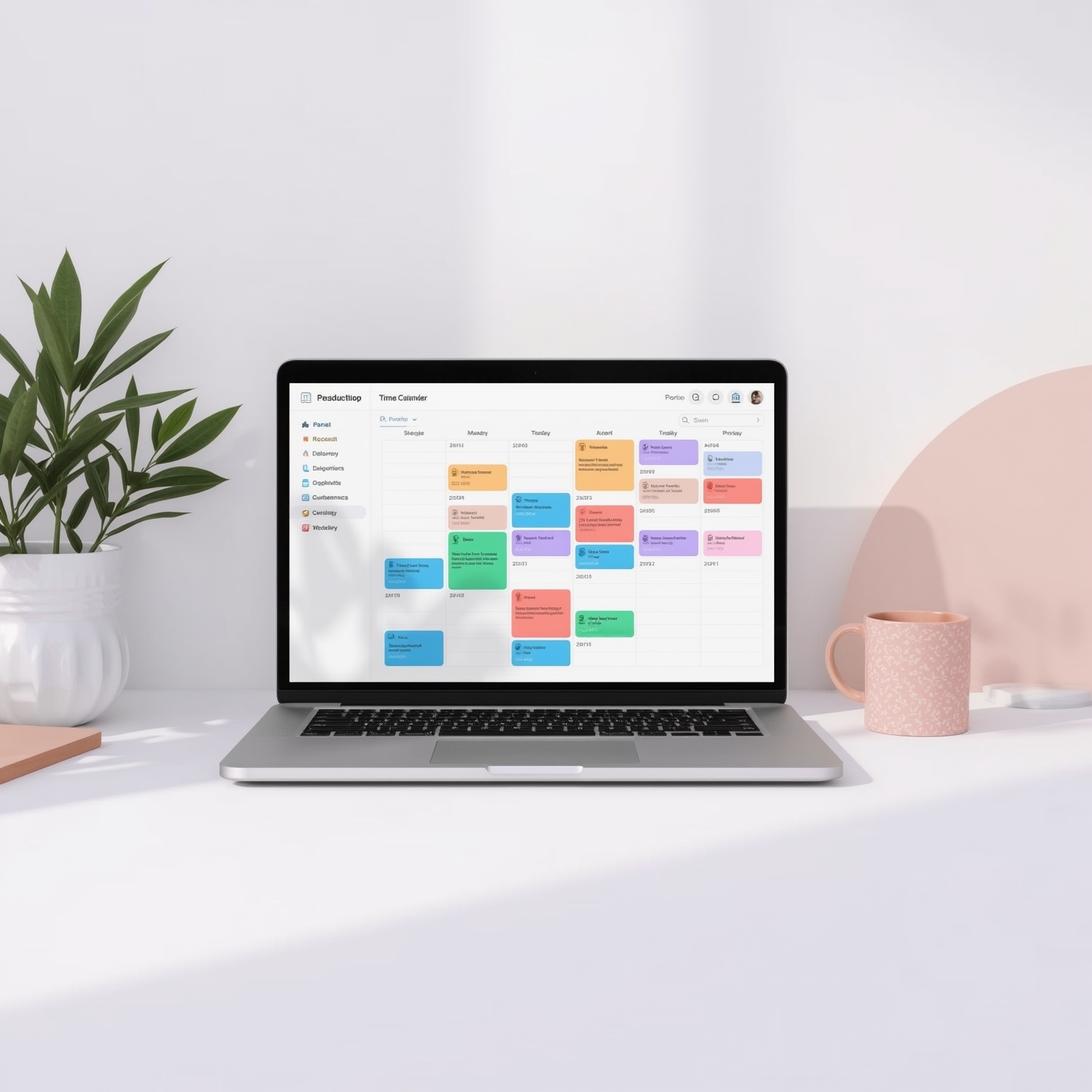
Google has introduced a significant enhancement to its Calendar platform, unveiling a feature that meaningfully refines the way users organize and protect their working hours. The newest update empowers individuals to allocate dedicated blocks of time specifically for their tasks while simultaneously marking themselves as busy in the same unified interface. In essence, Google has expanded upon the existing Tasks functionality in Calendar, transforming it from a simple to-do list manager into a fully integrated time management tool that operates much like the meeting scheduler professionals already rely on. This major revision directly answers long-standing requests from Google Workspace users who have repeatedly sought a more structured, calendar-based approach to handling their daily responsibilities without having to create placeholder events or simulate meetings.
With this development, tasks now behave in a manner strikingly similar to formal calendar appointments. Users can define precise start and end times, ensuring that each assignment receives an intentional span of focus within the day. Additional options—such as enabling “Do Not Disturb” mode or automatically declining incoming meeting invitations during that block—bring a heightened sense of control and protection over one’s concentration periods. Moreover, while it is now possible to attach a due date to any task, deadlines remain limited to date entries only; the ability to set a specific deadline time has yet to be introduced. This small limitation prevents users from managing timing on a minute-by-minute basis but still provides clear temporal boundaries for completion expectations.
For many who depend heavily on Google Calendar as the central hub of their personal and professional scheduling, this upgrade may represent exactly what they have been anticipating since Tasks first appeared. Over the years, the Tasks product has undergone a long evolution. Originally launched as its own standalone mobile and web application in 2018, it has progressively matured through numerous updates designed to bring it closer to Google’s broader productivity ecosystem. Recent improvements, such as the synchronization of reminders from Google Keep and the inclusion of task completion dates, have gradually blurred the boundaries between lightweight to-do tracking and full-featured time blocking. The current enhancement can therefore be seen as the natural continuation of that progression—an integration that finally gives Tasks a seat at the same table as traditional event scheduling.
Google has announced that the update will be accessible to a wide segment of its user base. The rollout encompasses all tiers of Google Workspace customers, individual Workspace subscribers, and even personal Gmail account holders. The distribution began on November 6th for domains enrolled in the Rapid Release track, with a broader release expected to reach all users by mid-December. As is customary for Google’s phased deployment strategy, visibility of the new feature may vary depending on the domain settings and account type, but eventual access is guaranteed across the ecosystem.
For professionals who prefer the structured clarity of a paper planner or those accustomed to Microsoft Outlook’s built-in task scheduling capability, this enhancement will feel both familiar and liberating. It simplifies the process of indicating when you are unavailable for meetings, while also making it easier to communicate your periods of deep work to colleagues. Yet, the new Tasks feature distinguishes itself from Calendar’s existing “Focus Time” option: rather than setting aside generic concentration intervals, it allows users to tie specific tasks directly to those reserved time slots. This subtle but meaningful difference adds accountability and encourages more intentional task management, as each scheduled segment now has a tangible goal attached.
To experience the new functionality, users only need to open Google Calendar and click on an empty time slot. From the menu of event types that appears, selecting “Task” initiates the process. Within that simple interface, one can name the activity, specify its time frame, mark the calendar status as busy, and—if desired—activate the “Do Not Disturb” setting to safeguard the period against interruptions. What results is a streamlined, highly efficient workflow that merges task management with digital scheduling, offering a seamless bridge between planning and execution in the modern workspace.
Sourse: https://www.theverge.com/news/822492/google-calendar-tasks-busy-time-block