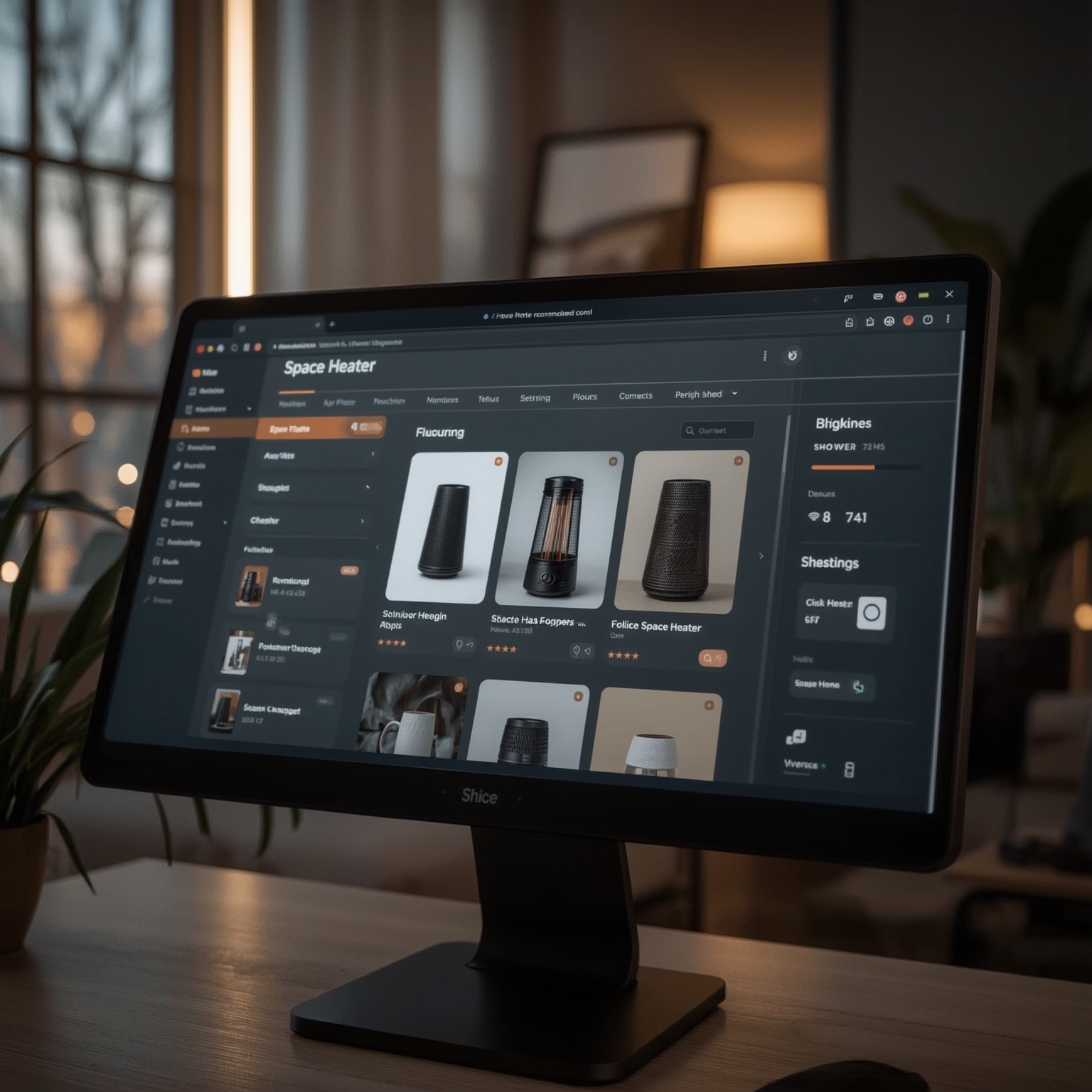
After years of browsers doing little more than passively retrieving information, Microsoft Edge’s new Copilot Mode feels like an evolutionary leap forward — a true infusion of practical artificial intelligence directly into the daily act of browsing. This is not the kind of superficial AI gimmickry that generates random summaries or chat responses; instead, it’s real, operational assistance that can actively interpret what you see on your screen, compare complex sets of data across multiple tabs, track your past activity, and even help automate tasks such as completing online purchases. To see how far this capability could actually go, I spent time testing it, specifically to determine if it could simplify my ongoing quest to find the most energy-efficient space heater — a process that normally involves hours of review-reading, deal-hunting, and endless tab-switching.
My curiosity began earlier in the week when I experimented with ChatGPT’s new AI browser, Atlas, which successfully executed an automated Walmart shopping session on my behalf. Watching Atlas seamlessly navigate catalogs and fill my cart sparked an obvious question: could Microsoft’s AI implementation within Edge outperform this experience, or at least make the act of shopping and product research less tedious? Given that the company recently released a major AI overhaul for Edge, complete with Copilot Mode, it seemed the perfect time to find out.
Once activated, Edge’s Copilot Mode transforms the traditional browsing bar into a genuinely intelligent interface. It can interpret intention — discerning whether the user wishes to perform a search, open a specific site, or engage in direct conversation with Copilot. When I entered the prompt “best energy-efficient heaters for large rooms,” the system correctly recognized it as a shopping query and returned detailed, product-focused web results. But when I shifted my question to “When is the best time of year to buy heaters on sale?”, Edge’s Copilot immediately switched into conversational chat mode, producing a natural explanation supported by linked sources and real data about historical sales trends. This adaptive understanding, enhanced by reasoning modes such as Quick Response, Study and Learn, Smart (GPT‑5), Search, and Think Deeper, allows users to tailor the AI’s complexity in real time — something that transforms browsing from a reactive process into a genuinely interactive dialogue.
The interface itself feels more like an evolved command line for intelligent discovery. Just as Google Chrome’s omnibox once unified address and search input, Edge’s enhanced Copilot bar fuses search, reasoning, and action into a single adaptive tool. Simple questions receive instant answers, but complex analytical tasks — like evaluating specifications or learning about a technical topic — can trigger deeper, slower reasoning processes designed to provide context and insight rather than mere facts.
To test how this might improve real-world product comparisons, I opened several tabs: one each for the Dyson Purifier Hot+Cool, the Dr. Infrared Heater, the De’Longhi radiant model, and the Dreo Smart Wall Heater. Normally, I would methodically jump between pages, comparing wattage, dimensions, heating coverage, and energy efficiency ratings. Instead, I typed directly into Copilot: “Compare my open tabs and tell me which space heater is the best mix of power and energy efficiency.” Within moments, the AI generated a structured comparison chart listing not only measurable data like power output and price but also more qualitative attributes such as design considerations, safety enhancements, and smart-control options. Its analysis concluded that the Dr. Infrared Heater offered superior heat output and efficiency due to its dual-heating design while still consuming less energy over time — an insight that usually requires extensive manual research.
Curious to push further, I asked Copilot to calculate operational costs specific to my location in Franklin County, New York. Taking regional electricity rates into account, the AI determined that the Dreo Smart Wall Heater, particularly when used with its Eco Mode and scheduling functions, would be the most cost-effective option for continuous winter use. This kind of integrated computation rivals the work of dedicated energy calculators and highlights how seamlessly Copilot bridges research and decision-making.
Edge’s reference system, using the @tab command, made the comparison even more interactive. I could instruct Copilot to limit its responses only to two selected product pages, ensuring that its answers came directly from the source data on screen. For instance, by prompting, “Which heater has better reviews for longevity and efficiency?” I received a highly contextual summary: Dr. Infrared for durability and proven performance; Dreo for smart features and short-term, space‑efficient heating. This dynamic, context-aware research feels distinctly more human and less mechanical than traditional search.
Copilot’s Vision capability expands its usefulness beyond text-based research. By simply highlighting a YouTube review and typing “Summarize this video,” I watched Copilot extract and interpret key points from the transcript, producing a clear synopsis faster than any manual viewing. Asking about audience sentiment through the microphone revealed that most comments praised the design and smart functions, while a few questioned its heat intensity — a nuanced assessment normally hidden within hundreds of unfiltered user remarks.
Edge even remembers where you leave off. Its Journeys feature automatically clusters browsing sessions into themed collections, letting you resume past research threads by simply clicking a contextual card when you reopen your browser. Conceptually, it operates like a digital memory ledger, bridging days or weeks of interrupted research without forcing you to reassemble your workflow. Although the feature needs a bit of user activity before becoming visible, once active it has the potential to streamline every long-term project — from ongoing product hunts to gift planning.
Finally, I experimented with Copilot’s Actions tool, the feature that allows AI to perform tangible operations within your browser. After enabling it, I entered the instruction “Buy the Dreo Smart Wall Heater on Amazon.” Within seconds, Edge located the item, placed it in my cart, and prepared it for checkout, prompting me only to confirm payment and delivery details. While it rightfully stopped short of executing the financial transaction for security reasons, the automation level was remarkable. Later, I refined my prompt to simulate a full transaction, and Copilot brought me directly to the final order confirmation screen, prefilled with the correct details. The experience, while slightly less visually animated than ChatGPT’s Atlas (which shows cursor movements live), was significantly faster — reducing a 10-minute process to under one.
When considered as a whole, Edge’s Copilot Mode feels like the first browser-based AI ecosystem with truly practical utility. The integration of reasoning modes, context awareness, multi‑tab comparison, visual comprehension, and limited autonomous actions transforms standard browsing into a cohesive, intelligent workflow. Though users still maintain control — manually confirming each purchase or major step — the AI serves as an organized, insightful, and safety-conscious assistant embedded directly within your navigation environment. My only reservation is that several of its advanced modes, including Actions and Journeys, require manual activation deep within settings. Once configured, however, the result is a browsing experience that feels fundamentally elevated: faster, more intuitive, and intelligently adaptive to your objectives. For anyone who juggles numerous research tasks, shopping lists, or multi-tab projects daily, Edge’s Copilot Mode represents a glimpse into the near future of interactive web automation — a browser that thinks, interprets, and acts alongside you rather than merely following commands.
Sourse: https://www.zdnet.com/article/i-let-edges-copilot-mode-buy-me-a-new-space-heater-heres-how-the-ai-browser-did/