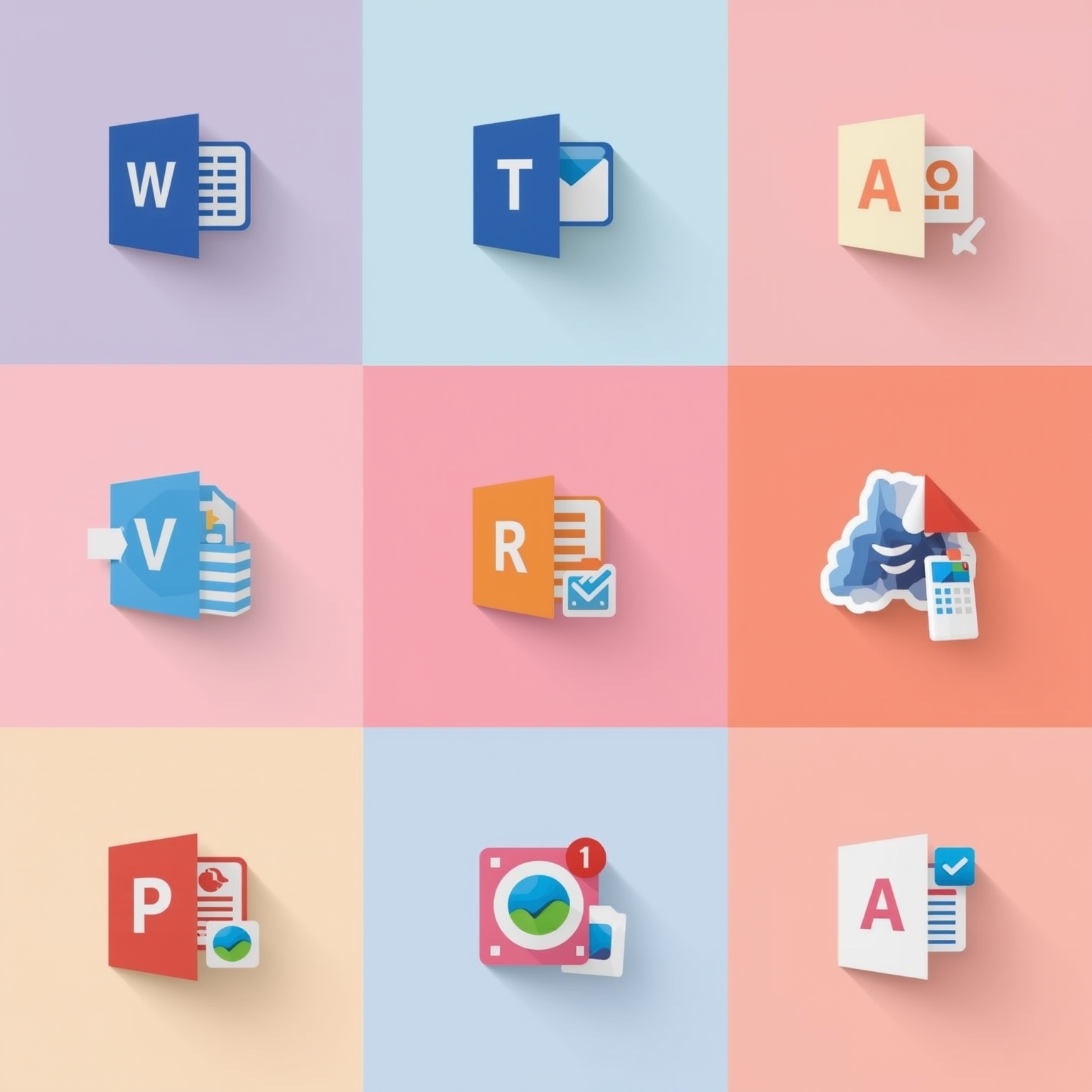
Microsoft is currently dedicating significant effort to the widespread deployment of its latest generation of Office application icons, which have been reimagined with curvier forms, richer gradients, and a far more vibrant palette of colors. Alongside this polished rollout, the company has decided to offer an intriguing glimpse into the creative process that led to these final designs. It revealed a collection of earlier design experiments—preliminary concept icons—that its designers explored extensively before reaching the ultimate visual identity now associated with the Office suite. Some of these conceptual directions deviate dramatically from what the company decided to release, illustrating just how broad and adventurous Microsoft’s visual exploration truly was. Early ideas for Word, Excel, and PowerPoint in particular demonstrated a striking resemblance to the stylized aesthetic once familiar to users of the historical Office for Mac suite, evoking nostalgia while simultaneously probing new visual possibilities.
The conceptual icons for Microsoft Word, for instance, encompassed a wide range of creative approaches. One version embraced a notepad-inspired design to symbolize writing and documentation at its most literal, while other explorations used stylized depictions of layered paper or stacked documents to embody the idea of textual creation and organization. The company’s designers also debated how prominently the program’s lettering—the distinctive “W”—should feature as a unifying visual cue. Some drafts integrated the character as the central design focus, giving it a sense of authority and direct recognizability, whereas other iterations muted or completely removed it to emphasize form and composition over typography. Through a series of refinements, Microsoft eventually converged on a design defined by three horizontal bars—abstracted visual metaphors for sheets of paper or lines of text—simplifying the earlier four-line concept. This approach offered a more streamlined identity adaptable across different contexts, and it now appears in both lettered and unlettered versions depending on platform and interface consistency.
For Excel, the design philosophy revolved almost entirely around the concept of cells, grids, and the structure of data organization—characteristics that have long been synonymous with the application. In this respect, the conceptual variations rarely wandered far from this foundation. Most of the prototypes maintained that familiar cell-based visual metaphor, ensuring that even experimental versions looked unmistakably “Excel.” Some of these designs played with depth, segmentation, and geometric abstraction, producing a sense of dynamism without compromising legibility. Among the many iterations, one striking version of the “X” symbol stood out for its refined simplicity and strong presence, though the majority of other prototypes remained close in spirit to the final icon’s appearance, underscoring the designers’ commitment to continuity and recognizability.
PowerPoint, on the other hand, has always been conceptually anchored in the idea of slides—individual frames assembled to tell stories or present information visually. In reimagining its identity, Microsoft’s designers experimented with numerous inventive ways of expressing that core metaphor. Certain concepts emphasized the prominent “P,” rendering it as a fluid, ribbon-like shape that suggested dynamism and creativity. Others fused the initial letter with graphical elements such as pie charts or partial arcs, visually representing the essence of data presentation and storytelling. However, the design that ultimately reached users was noticeably more restrained—an evolution rather than a revolution. The finalized PowerPoint icon embraced subtle curvature and a more sophisticated interplay of color, yielding a friendlier, more approachable appearance that harmonized with the redesigned Office ecosystem while preserving its distinctive heritage.
Beyond the three flagship productivity tools, Microsoft’s refreshed iconography extends to the broader Office family, encompassing popular applications such as Teams, OneDrive, Outlook, and OneNote. The company has begun introducing these renewed visuals throughout its various ecosystems, including both Windows and iOS platforms. Interestingly, the implementation diverges slightly based on environment: the Windows versions prominently feature the apps’ identifying letters, reinforcing familiarity within a desktop context, whereas the iOS editions opt for cleaner, letterless variants, aligning better with the mobile operating system’s minimalist aesthetic.
Taken together, these design unveilings not only showcase the aesthetic evolution of Microsoft’s modern design language but also provide a rare and revealing insight into the experimental thinking that precedes every polished release. By opening a window into what might have been, Microsoft invites users to appreciate the delicate balance between creativity and practicality that defines contemporary interface design—and perhaps even to decide for themselves which of the early concepts they find most compelling when compared to the icons that ultimately made it to our screens.
Sourse: https://www.theverge.com/news/799736/microsoft-office-icons-test-versions