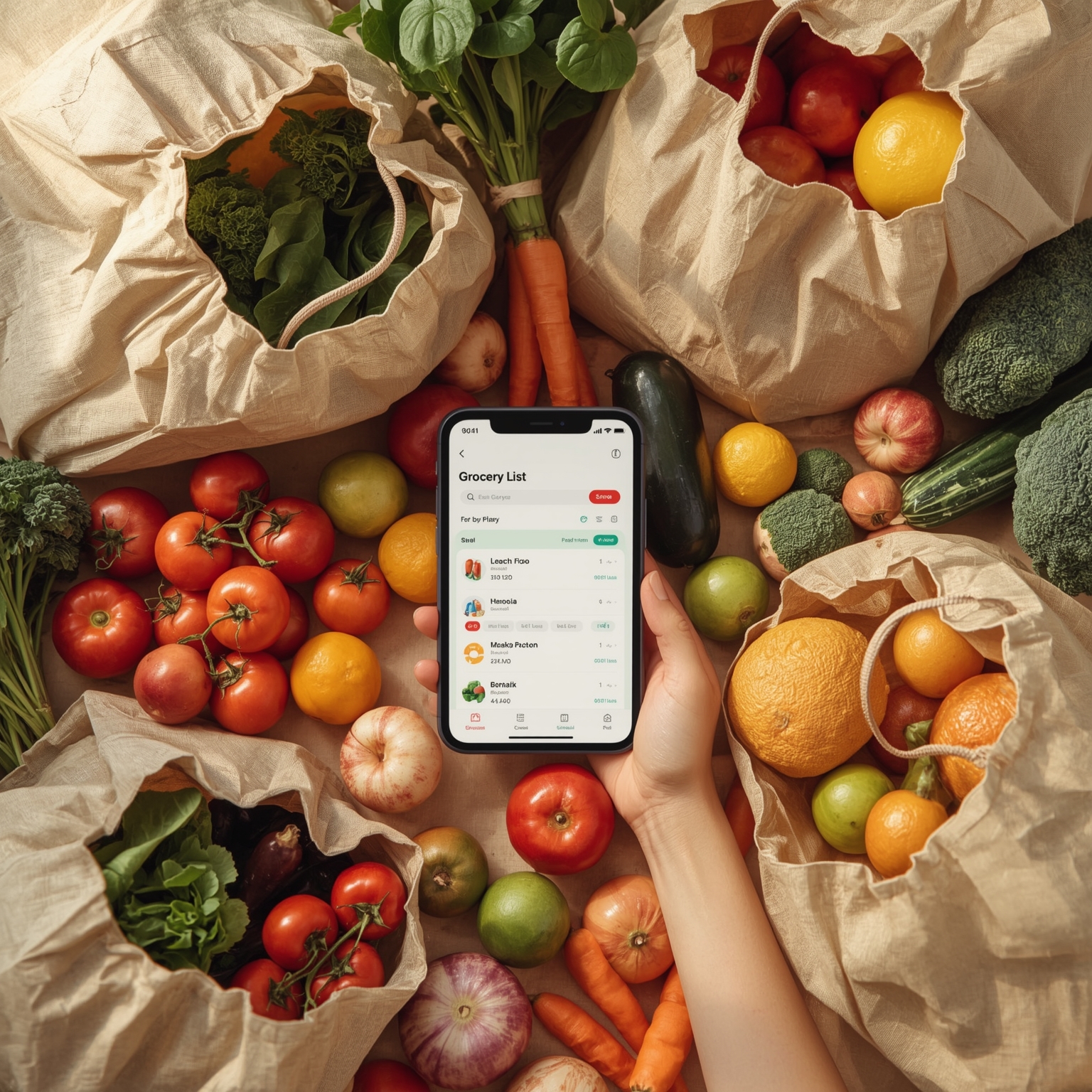
There are few endeavors as inherently disordered and fraught with uncertainty as stepping foot into a grocery store without the comforting guidance of a prewritten list. It is almost an act of intentional chaos — a willful embrace of unpredictability. I’m fully aware that certain individuals seem to flourish under these conditions, seemingly guided by instinct and intuition rather than by structured preparation. These are the shoppers who drift down the aisles, delighting in the spontaneity of purchasing what captures their attention or happens to be on sale that day. They pride themselves on improvisation — crafting meals in real time, building menus out of flash inspiration, or adhering to some enigmatic formula, like one of those peculiar “3-3-2-2-1” meal prep ratios that frequently make the rounds on Instagram. I, however, am not one of those effortlessly adaptive people.
Despite this, I am acutely aware that a grocery list is not merely useful for someone like me — it is vital for survival. Yet, somehow, even with this understanding, I’ve never managed to establish a truly dependable, sustainable system for meal planning and list creation. Week after week, I handwrite a list with the best of intentions, only to realize later that I’ve inevitably forgotten something crucial — often an ingredient so essential that it necessitates a return trip to the store, a fate I dread. Eventually, as is my habit when confronted with recurring inefficiency, I asked myself the familiar question: “Surely there must be an app that can solve this problem for me?” Predictably, the answer was both yes and no. There wasn’t a single, all-powerful app capable of transforming my meal-planning disarray into seamless order — just as no productivity tool or perfectly organized planner ever ends up being a magic bullet. Yet, during this tech-fueled journey toward grocery list perfection, I did manage to accumulate a few surprisingly effective tools.
Curious about how others managed this domestic challenge, I turned to my coworkers and asked about their own strategies. Their responses illuminated a fascinating cross-section of personalities. One iOS devotee confessed allegiance to Samsung Food (an unexpected twist), while another championed the traditional pen-and-paper method with fierce loyalty. In a revelation I hadn’t anticipated, at least two people admitted they still regularly use Google Keep — a number higher than I would have guessed. One recurring theme quickly emerged: coordination with household members was almost universally regarded as a headache. The broader pattern became inescapable — people tend to fall neatly into two camps: meticulous list-makers and free-spirited non-list people. And, intriguingly, these two archetypes often end up sharing a household. Based on personal experience, that dynamic checks out with remarkable accuracy.
My own marriage epitomizes this divide. My husband would quite literally rather face down a pit of live snakes than sit at a kitchen table writing out a grocery list. In his personal hierarchy of chores, scrubbing the entire house ranks far above planning a week’s worth of dinners. Over the years, after numerous disagreements and failed compromises, we eventually found peace in the division of labor that suits our natures: he cleans, I plan and shop. Of course, that division comes with its own complications — lately, my grocery excursions involve navigating aisles with a spirited four-year-old who has very strong opinions about what should and shouldn’t make it into the cart.
Unsurprisingly, this juggling act often leads to mistakes. I would complete an entire errand only to discover later that I’d left out something indispensable — an omission that triggered yet another trip to the store. On top of that, my handwritten lists tended to evolve into an incomprehensible jumble, the result of squeezing too many notes onto too small a surface, trying to align ingredients by aisle or meal while keeping everything visible at once. Eventually, in a fit of pragmatism masked as optimism, I decided to modernize: I ordered an elegant paper meal planner and downloaded several grocery-list apps, hoping at least one would revolutionize my shopping process.
One of the first digital tools I tried was an app called *A Better Meal*. Although its design leaned heavily toward health-conscious recipe discovery rather than simple list creation, I decided to test it out using its free-trial period, wary of the inevitable subscription fees. Almost immediately, I glimpsed its appeal. The app offered an organized recipe library capable of generating entire weekly meal plans automatically. It even provided convenient tools for importing recipes — by snapping a picture from a cookbook or extracting one directly from a website — and then intelligently distilled the content into a tidy ingredient list accompanied by clear, readable instructions. I especially appreciated the “cook-along” mode, which presented each step in large, bold text alongside the necessary ingredients. It’s the kind of thoughtful feature that prevents those all-too-common mid-recipe disasters when you can’t recall whether it was a tablespoon or teaspoon of cayenne. (Trust me, that difference matters more than you might think.) Still, as practical as *A Better Meal* proved to be, I ultimately abandoned it. I wasn’t willing to commit to yet another monthly subscription, especially one centered on discovering new recipes when I already prefer curating my own collection.
Fortunately, my search coincided with a suggestion from a colleague — *The Verge’s* Vee Song, a connoisseur of stationery — who recommended Papier’s beautifully designed meal-planning notebook. At first glance, it seemed the perfect hybrid of analog and digital simplicity: each week offered a full-page layout, complete with daily meal planning grids and a detachable grocery list column. Unfortunately, like many aesthetically pleasing planners, it turned out to be more charming than functional. I quickly ran out of space midway through my grocery list, while simultaneously wasting half a page meant for breakfast planning — an exercise that felt absurd, since my weekday mornings are reliably governed by bagels and cream cheese, not an elaborately cataloged menu.
With Papier proving too limiting, I turned once again to technology. *Paprika*, a sleek yet unadorned app recommended by *The Verge’s* Adi Robertson, promised everything I actually needed: a simple interface, no subscription fees, and considerable flexibility. Within it, I could save and categorize recipes, tag them for easier retrieval, and with a single tap, populate my grocery list with that recipe’s ingredients — skipping items I already had stocked at home. The app even attempted to organize items by department, intelligently categorizing yogurt under dairy, cereal bars under breakfast foods, and produce in its proper section. Moreover, Paprika’s real standout feature was its adaptability. It could function as a minimalist recipe box, a comprehensive list organizer, or both at once. Available across iOS and Android, it supported my constant switching between platforms, charging only a modest one-time fee rather than a recurring payment.
Then came the breakthrough: realizing that I could create a “recipe” titled *The Regulars* to contain our weekly staples — milk, bread, eggs, and those “loose carrots” my husband insists upon — and add them all at once with two taps. Suddenly, the process started to make sense. My struggle to make a grocery list wasn’t a single problem but an interlinked web of smaller ones: determining meals, remembering household preferences, listing necessary items, and organizing them efficiently for quick reference in the store. Perhaps there was never going to be one flawless, all-encompassing solution. Instead, the answer lay in a hybrid approach.
Now, my system is part strategy, part ritual. I use the Papier planner for overarching weekly meal outlines, jotting down not only dinner menus but also notes about our schedule — events, appointments, or any night that might call for takeout. Then I input the chosen recipes into Paprika, generate the corresponding grocery list, and combine it with my “Regulars” list for the week’s essentials. The final piece of my system — surprisingly transformative — is my smartwatch. It eliminates the constant fumbling with my phone while shopping. There’s something liberating about glancing at my wrist to check off an item instead of crowding the aisle, crossing things off a paper list, or juggling my phone while maneuvering a cart. Scientists could probably conduct a detailed sociological study on why grocery store aisles are designed so that there’s never an unobtrusive place to stand — right next to why Trader Joe’s parking lots seem universally chaotic. Nonetheless, using my smartwatch has made the routine far smoother. During my last trip, I moved efficiently through every aisle, remembered every item, and finished faster than ever.
My new grocery list routine isn’t flawless, but compared to the mess it once was, it’s a near triumph. Switching between devices still introduces hiccups — for instance, while Paprika works perfectly on iOS, it doesn’t sync with Wear OS on Android, meaning I sometimes copy my list into Google Keep before heading out. That small workaround aside, the system feels sustainable. Maybe the mythical “perfect grocery app” doesn’t truly exist — but with the right mix of tools, a bit of structure, and a willingness to adapt, I’ve crafted something that’s pretty close.
Sourse: https://www.theverge.com/tech/809152/grocery-list-app-paprika-better-meal-google-keep